
Discover how to change PUBG name in 2026 with this definitive guide, covering Rename Card tips, platform rules, and essential renaming strategies.
If you're trying to figure out how to change PUBG name in 2026, the short answer is pretty simple: on PUBG Mobile and BGMI, you need a Rename Card; on PUBG PC, you change your Steam profile name instead. It sounds straightforward, but there are still a few catches that trip players up, especially with cooldowns, unavailable names, and Unicode styling. This guide walks through the full rename process for PUBG Mobile, BGMI, and PUBG: Battlegrounds on Steam, along with the rules, common fixes, and a few practical tips for locking in a clean new IGN.
How to Change PUBG Name in 2026
The core rename flow in PUBG Mobile and BGMI hasn't really changed, even though the 2026 UI looks a bit cleaner than before. If you want to change your IGN, you'll still be doing it from the main lobby, since that's where profile and inventory management starts.
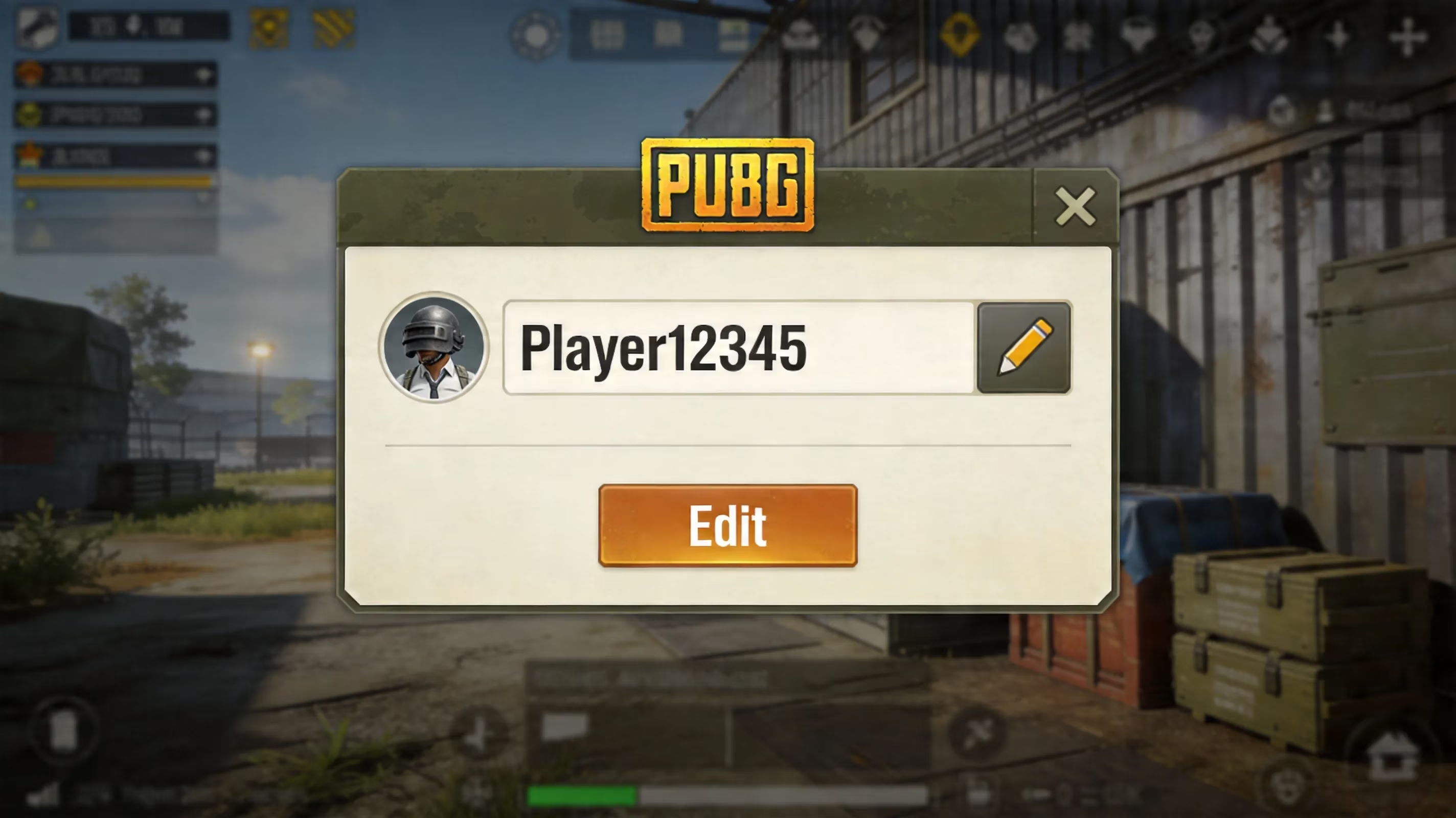
On PUBG Mobile, open the lobby and tap your profile avatar in the top-left corner. From there, hit the pencil/edit icon next to your current username. You can also go the longer route through the Inventory button at the bottom-right, open the Crate tab, find the Rename Card with the "ID" symbol, tap it, press Use, enter your new name, and confirm with OK.
BGMI works almost the same way because it's built on the same core system as PUBG Mobile. The menu layout is slightly different, mainly around the profile screen and top navigation bar, but the rename flow itself is basically identical. The only real difference players notice is currency: PUBG Mobile uses UC (Unknown Cash), while BGMI uses BC (Battle Coins) for premium purchases. Once the Rename Card is in your inventory, though, it behaves the same on both versions.
PUBG PC on Steam is a different story. There is no Rename Card system in the game client. Your visible PUBG name is tied directly to your Steam display name, so if you want to update it, you need to change your Steam community profile name first and then relaunch the game. That's an important distinction if you switch between mobile and PC, because the rename rules and frequency are handled by Steam on desktop, not by PUBG itself.
| Platform | Rename Method | Currency / Cost | Notes |
|---|---|---|---|
| PUBG Mobile | Inventory → Crate tab → Rename Card | 180 UC (shop purchase) | Profile edit shortcut also available |
| BGMI | Profile icon → edit pencil → Rename Card | BC (Battle Coins) | Same card mechanic, India-specific currency |
| PUBG PC (Steam) | Steam profile name change | Free (Steam account) | No in-game card; Steam name syncs to game |
PUBG Rename Card Requirements
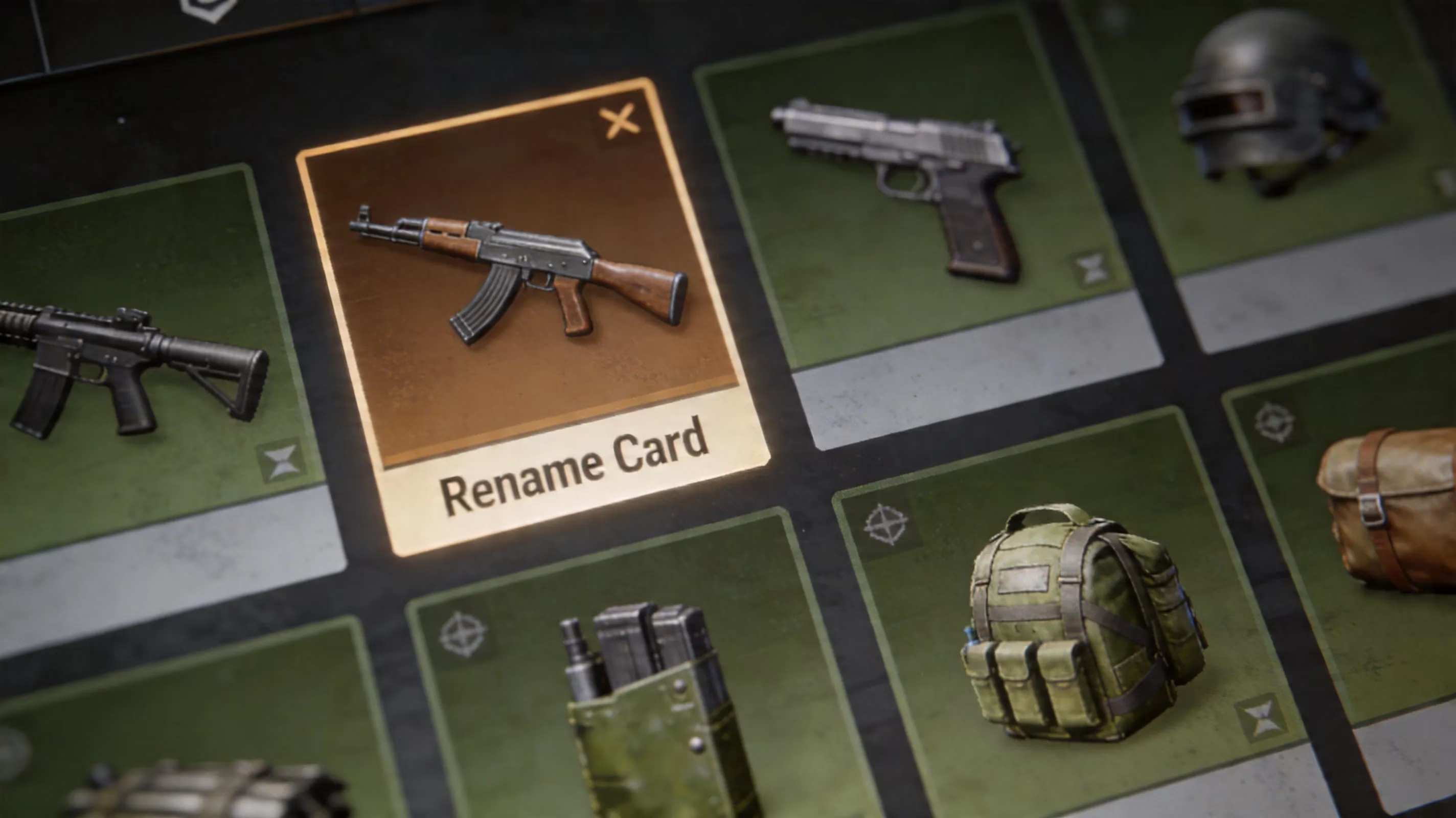
For PUBG Mobile and BGMI, the Rename Card is mandatory. No card, no name change. It doesn't matter how much UC or BC you have sitting in your account if the item itself isn't available in your inventory.
The fastest way to get one is through the in-game Shop. Under the Treasures section, the Rename Card costs 180 UC. That price has stayed consistent through the 2025 and 2026 update cycle, so at this point it's a pretty stable part of the system. If you already top up regularly, it's not a huge spend. For F2P players, though, there are still a few ways to get one without paying.
Here are the most common free Rename Card sources:
-
New player progression rewards: Many accounts get one between levels 3 and 10.
-
Returner Rewards: Accounts inactive for more than seven days can receive a free card after coming back.
-
Seasonal events: Anniversary events and collabs sometimes include Rename Cards.
-
Royale Pass rewards: Some milestone tiers have dropped them in past seasons.
Krafton has kept that pattern going into 2026, so it's always worth checking the Events tab before spending UC. Honestly, a lot of players burn currency too early and then realize the card was sitting in an event track the whole time.
On BGMI, the same idea applies, just with BC and local reward tracks. You can also build up free BC through login bonuses and challenge completions, which means a Rename Card can still be earned indirectly without real-money spending.
PUBG Name Change Rules and Limits
Before you use a Rename Card, it helps to know what the system will and won't allow. Otherwise, you can end up wasting time or, in some cases, the card itself.
The biggest restriction is the 24-hour cooldown. Once your name change goes through, you cannot rename again for a full day. That lock applies to the account itself, and switching devices or relogging won't get around it.
There are also character limits. In PUBG Mobile and BGMI, usernames are capped at 14 characters. On PUBG PC through Steam, the limit goes up to 16 characters. Unicode characters count toward that total one by one, including stylized letters from font generators, so a fancy-looking IGN can hit the cap faster than expected.
Uniqueness is enforced server-side. If another account already has the exact name string you're trying to use, the system will reject it as unavailable. Because of that, it's smart to prepare two or three backup versions before opening the rename window.
As for symbols and Unicode, PUBG Mobile supports a decent range of Unicode styles. Bold, gothic/blackletter, and small-cap fonts usually work fine when copied from generators. That said, glitch text and some emoji-style characters can render badly, especially on lower-end Android devices or in the kill feed. If you're playing ranked and care about readability, plain alphanumeric names still have the least risk.
Then there's the offensive name filter. PUBG automatically checks submitted names for profanity, slurs, and flagged terms. Names that look like impersonations of pro players, streamers, or official accounts can also cause problems later, even if the rename initially goes through. In those cases, forced renames or temporary suspensions are very much on the table.
PUBG Name Change Not Working
When the rename system fails, the issue is usually one of a few repeat offenders. Most of them are fixable without much trouble.
Card missing from inventory is probably the most common one. If you bought a Rename Card in the Shop and can't find it in the Crate tab, first make sure the purchase happened on the correct account. Cards don't transfer between profiles, and players with alt accounts run into this more often than you'd think. Logging out, restarting the client, and signing back in usually forces an inventory refresh.
"Name unavailable" errors can be misleading. Sometimes the name looks unique, but another player is already using the same Unicode sequence or a near-identical version with invisible modifiers. In other cases, the name may have belonged to a banned account and still be stuck in a server-side cooldown state. The easiest fix is to try a small variation, like changing one character or adding a number at the end.
Paste and font issues are another headache, especially with third-party Unicode generators. Some Android clipboard managers, particularly on MIUI, ColorOS, and Funtouch OS, strip special Unicode characters when you paste them into PUBG. A reliable workaround is to paste the name into your phone's Notes or Memo app first, copy it again from there, and then paste it into the rename field.
Invisible character problems usually happen when players try to create blank or near-blank names using characters like U+3164 (Hangul Filler) or U+2800 (Braille Blank). PUBG Mobile often accepts these depending on device firmware, but BGMI tends to be a bit stricter. If one invisible character gets rejected, using two or three of the same character sometimes works.
For cache or session bugs, where the rename screen freezes or the new name doesn't show up after confirmation, clearing cache and logging in again is the standard move. If the Rename Card was consumed but your IGN never updated, go through Krafton's in-game support via Settings > Customer Service. Make sure to include a screenshot of the transaction. Card usage is logged server-side, and documented failures can be refunded.
Best PUBG New Name Setup
Ranked and clan tags
If you're adding a squad or clan tag, the usual format is a bracketed prefix before the IGN, like [ACE]PlayerName or [GC]IGN. Since the tag and the actual name both count toward the same 14-character limit on mobile, keeping your personal IGN around six to nine characters gives you enough room to fit a short clan tag without getting cut off.
Short names also have a real advantage in ranked play. During hectic fights, teammates need to recognize names fast in voice comms and in the kill feed. If your IGN is overloaded with symbols or hard-to-read Unicode, it can slow that down. In practice, three-to-eight-character names are usually the sweet spot. They still look distinct, but they stay readable on smaller screens. Bold Unicode tends to hold up better in the mobile kill feed than thinner or overly decorative styles.
Stylish names in 2026
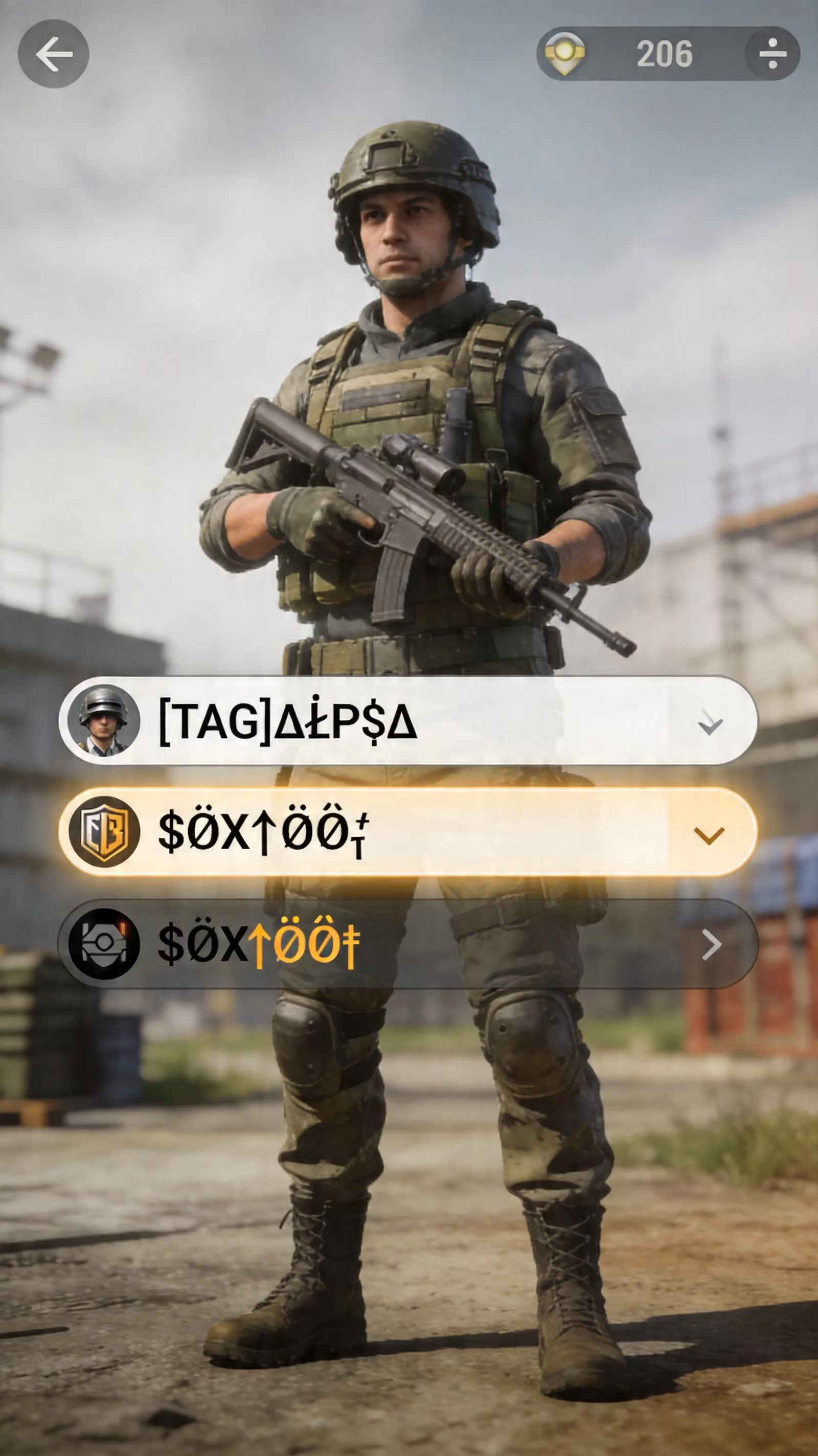
For players who want a more aesthetic IGN, Unicode compatibility is still the main thing to watch. As of 2026, these styles are widely known to pass PUBG Mobile validation and display properly on both Android and iOS, especially on mid-range and flagship devices:
-
Bold Unicode: 𝗔𝗕𝗖
-
Gothic/Blackletter: 𝔄𝔅ℭ
-
Small Caps: ᴀʙᴄ
-
Italic Unicode: 𝘈𝘉𝘊
Glitch or Zalgo text can work, but it's much less consistent. On older Android devices, especially those below API level 29 or running custom ROMs with limited font support, these characters may show up as empty boxes or broken symbols.
The blank space name trend is still around, but it comes with risk. Invisible-character names definitely stand out in the lobby, though they also attract moderation attention whenever Krafton tightens name validation after a major patch. If you're going that route, having a backup readable IGN ready is just smart.
Cross-device rendering matters too, especially if you stream PUBG Mobile through an emulator on PC. A name that looks clean on your phone can end up stretched, misaligned, or awkward in desktop overlays and browser-based kill-feed widgets. Testing it in training mode before jumping into ranked is a good habit.
Safe rename checklist
Before you spend a Rename Card, run through this quick checklist:
-
Keep at least two backup name variants ready.
-
Test the name in your Notes app first and make sure copy-paste works correctly.
-
Avoid names that imitate pro players, streamers, or official PUBG accounts.
-
Double-check the full character count, including Unicode styling.
-
Look for accidental flagged substrings that might trigger the filter.
Conclusion
Knowing how to change PUBG name the right way saves time, avoids wasted Rename Cards, and makes sure your new IGN actually works where it matters most. On PUBG Mobile and BGMI, the process revolves around the Rename Card, whether you buy it for 180 UC or get one through events, returner rewards, or Royale Pass tracks. On PUBG PC via Steam, everything runs through your Steam profile instead, with no in-game card involved. If you keep the 24-hour cooldown, character limits, uniqueness checks, and name filter in mind, the whole process is pretty painless. Pick a name that looks good, reads clearly, and fits your platform, then lock it in for your next drop.